Help and support
Reach the team, follow your request and know what to expect.
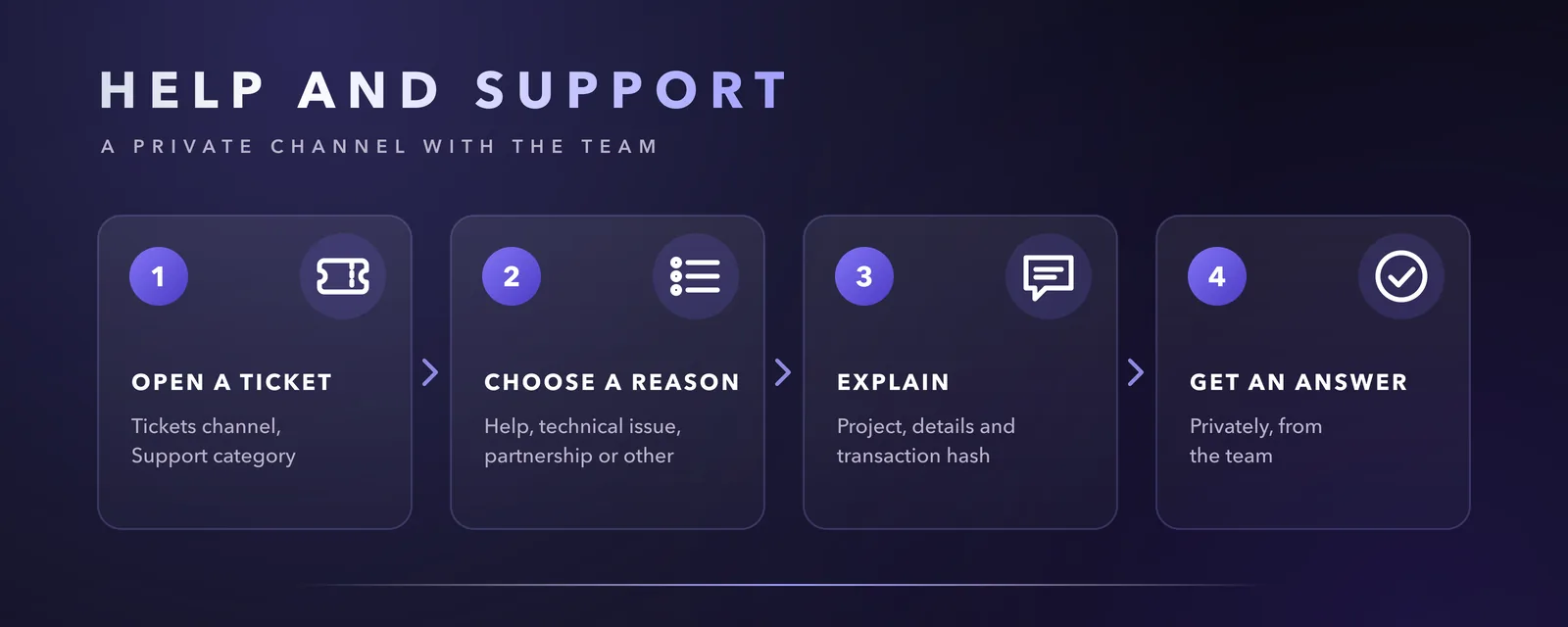
For anything personal or private, the right place is a support ticket. A ticket opens a private channel that only you and the team can see, and keeps the whole conversation in one place.
Open a ticket
Step 1: Go to Tickets
Open 🎟️ Tickets, in the Support category.
Step 2: Choose a reason
Select the reason that matches your request. A private channel is created for you immediately.
Step 3: Explain your request
Name the project concerned and describe what happened. For an on-chain question, add the network and the transaction hash. A screenshot often helps.
Step 4: Follow the conversation
The team answers in your ticket. Once your request is resolved, the ticket is closed.
Which reason to choose
| Reason | Use it for |
|---|---|
| General help | Questions about the server, the projects or your account. |
| Technical issue | A problem with a website, an app, a transaction or a bot. |
| Partnership | Proposals from projects, communities and businesses. |
| Other | Anything else, including reporting a suspicious account or message. |
While you wait
Every ticket is read by the team. Response times depend on the number of requests and on time zones.
- Keep your ticket open, even if nobody has answered yet: your request stays in the queue.
- Add any new detail in the same ticket rather than opening a new one.
- Do not contact team members in private messages to speed things up.
- You can keep up to three tickets open at the same time.
Other ways to reach us
| Need | Where |
|---|---|
| Ideas and suggestions | 💡 Feedback, in the KcalbApp category |
| Questions for the community | 💬 General |
| General enquiries about Kcalb Ltd | Contact form on kcalb-ltd.com |
Never share a recovery phrase, a private key or a password, not even in a ticket. The team will never ask for them and never sends the first private message.